
Appearance
Main Window
The Main Window is the primary interface where you will spend most of your time.
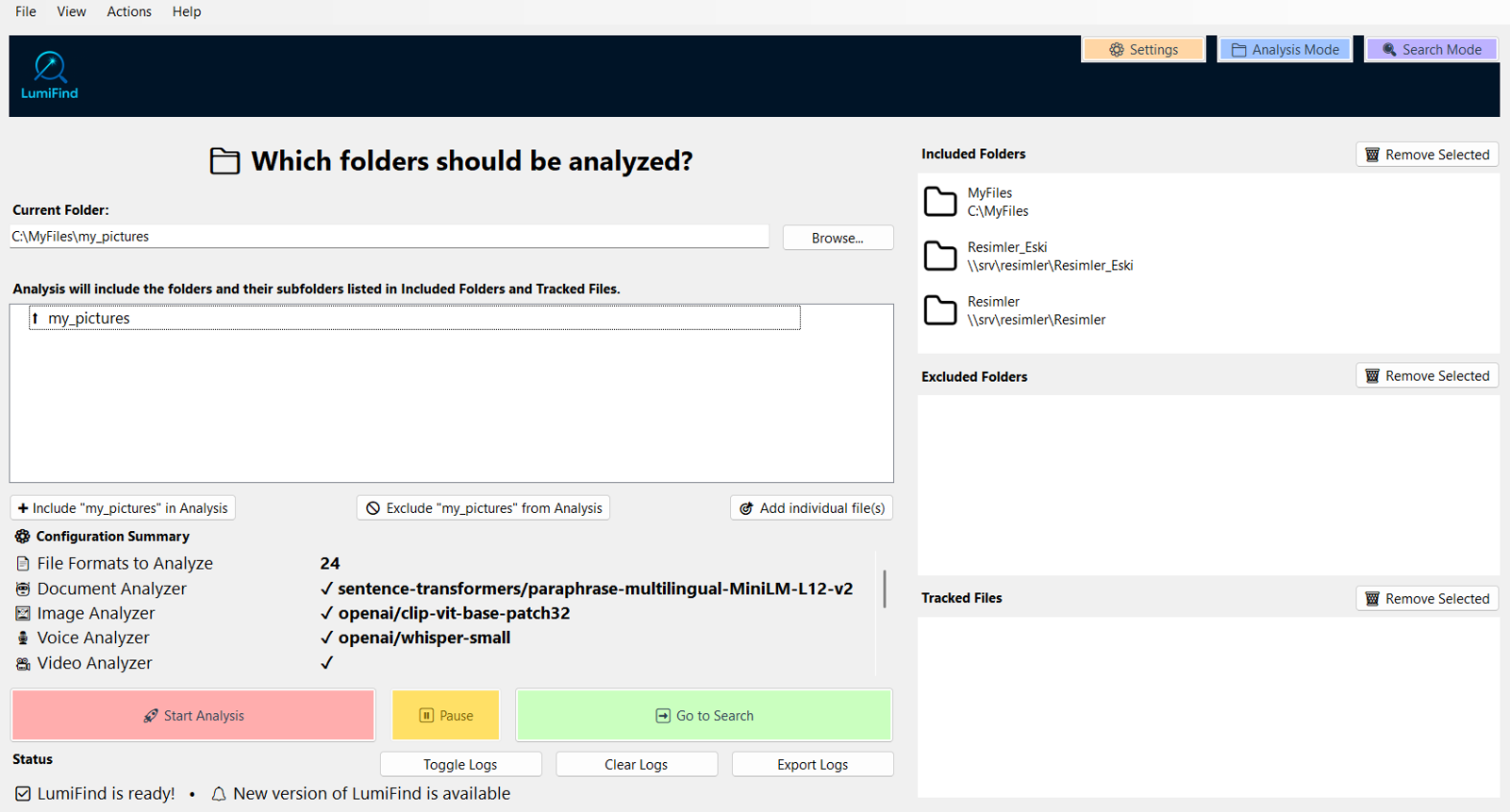
It contains two sections: Analysis Mode and Search Mode.
On supported platforms, LumiFind can keep running in the system tray when the main window is closed. See Settings -> Generic Settings -> Minimize to System Tray on Close.
- Analysis Mode allows you to select the folders that LumiFind will scan and analyze. You can use
F2on the keyboard as shortcut to switch to this mode. - Search Mode becomes available once you have completed at least one analysis. It enables you to search through your data quickly and intelligently.
F3key is the shortcut to switch to this mode.